

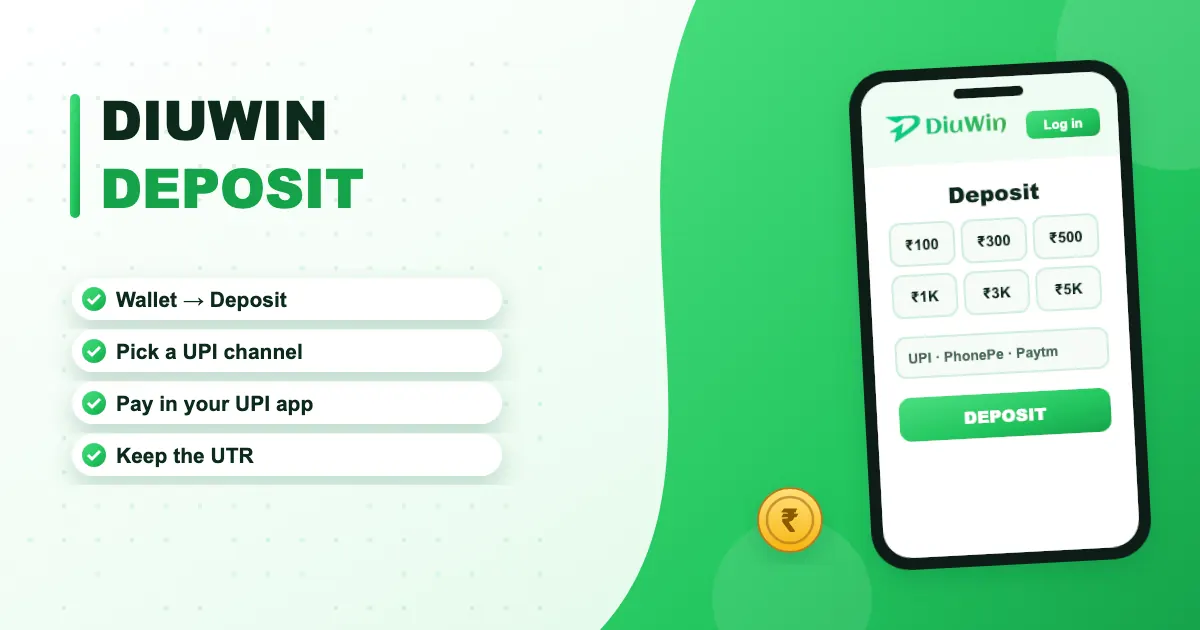
Recharging DiuWin is quick once you know the flow. One habit makes problems easy to solve: always note the UTR.
Recharge step by step
- Log in and tap Wallet → Deposit.
- Choose a channel.
- Pick an amount.
- Tap Deposit — a payment page opens.
- Approve in your UPI app.
- Save the 12-digit UTR.
- Return to DiuWin; the balance updates shortly.
When it’s slow
| Under 10 min | Normal |
|---|---|
| 10–30 min | Bank delay — keep the UTR |
| 30+ min | Contact support with UTR + screenshot |
Choosing a deposit channel
The deposit screen lists several channels. They all end in your UPI app; the difference is mostly which payment gateway handles the request. If one channel is slow or fails, try another rather than paying twice on the same one.
Keep a simple record
A screenshot of each deposit’s UPI receipt, saved in one album, makes any future question a one-minute fix. Our post deposit not credited shows exactly what support needs.
Next: withdrawals and first-deposit rewards on DiuWin.

Recharge your DiuWin wallet
Free sign-up, quick UPI deposits and the full Diu Win lobby — your account is ready in about a minute.
Frequently asked questions
What’s the minimum deposit on DiuWin?
It’s shown on the deposit screen and depends on the channel.
Which payment apps work?
UPI apps such as PhonePe, Google Pay, Paytm and BHIM, plus bank transfer and USDT on some channels.
Money left my bank but the wallet didn’t update.
Keep the UTR, wait up to 30 minutes, then contact support. See deposit not credited.
